SYNQFORM

Free Digital Check

SYNQFORM Insight · Hotel Digital Trust

5 Small Hotel Website Issues Guests Notice Before Booking.

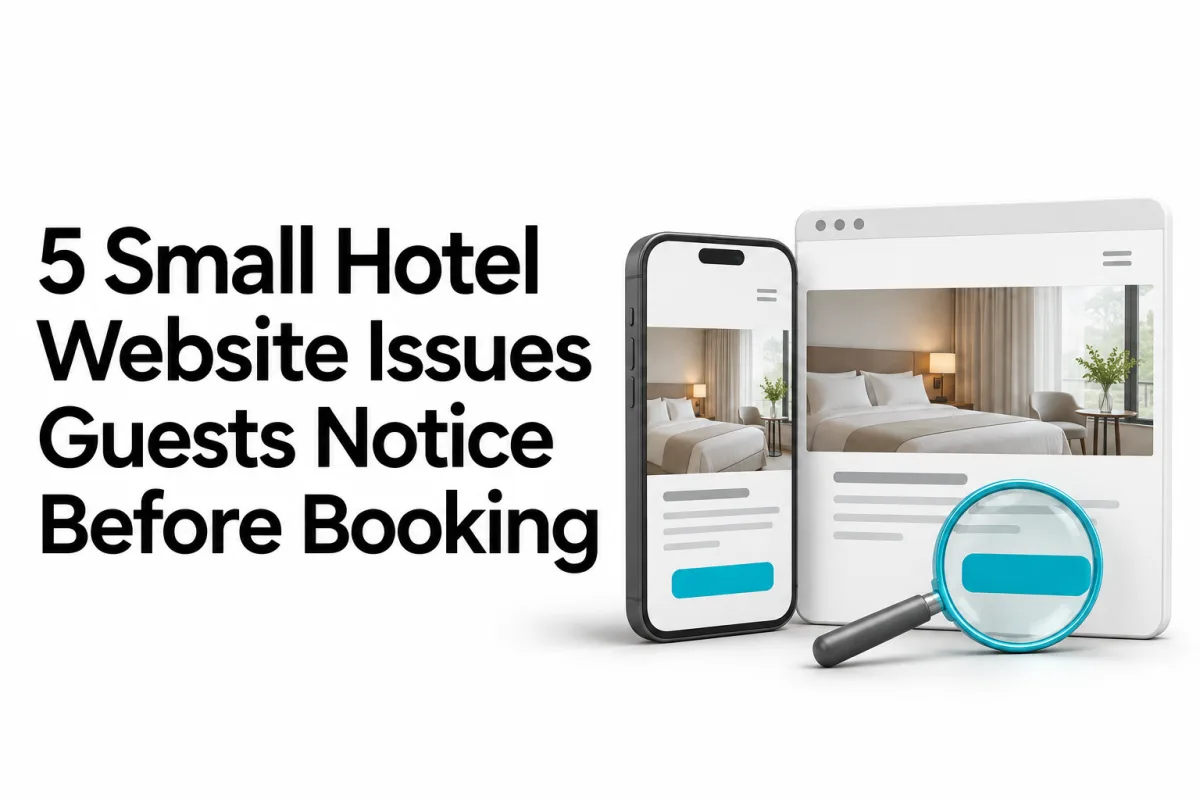
Illustration of a hotel website on a phone and in a browser, with a magnifying glass checking the booking button.

A quick guide for hotel owners and website teams to identify the small inconsistencies that can create doubt during the guest’s digital journey.

  • Quick learning
  • 4-minute read
  • Based on 20 website reviews

A hotel website does not need to be broken to create doubt.

Small inconsistencies can influence a guest before they contact the hotel or check room availability.

While reviewing 20 hotel websites in Siem Reap, we found recurring issues that hotel owners and website teams can check without conducting a complicated technical audit.

The first check is simple: does every important page tell the guest the same story?

Information consistency

Different pages provide different information.

A homepage may show one airport distance while the Contact or Location page shows another.

This often happens when one page is updated but the older information remains elsewhere on the website.

For guests, this can affect airport-transfer planning, arrival time, transportation cost and confidence in the hotel’s information.

Whenever important information changes, check every page where that information may appear.

Quick check

Compare the homepage, Location, Contact, FAQ and airport-transfer pages. Confirm that distances, times, prices and contact details agree.

Issue 02 · Content identity

Content belongs to another property.

Reusing website sections can save time, especially for hotel groups. The risk appears when names, testimonials, contact details or descriptions from the original property remain inside the new page.

How it happens

Efficient reuse without a final identity check

A team duplicates an existing page, section or website structure to build the next property more efficiently.

The design may be complete, but small pieces of the original content remain unnoticed when the page goes live.

What guests may see

The property identity becomes unclear

  • Testimonials naming another hotel
  • Contact details for a different property
  • Another property name inside a page heading
  • Unrelated accommodation or service copy
The risk is not content reuse. It is reuse without a final identity check.

Before the page is approved:

For hotel owners

Confirm every property name, address, telephone number, email, testimonial and booking link.

For website teams

Review the published page as a guest. Do not rely only on the page-builder preview or the original content document.

Issue 03 · Trust signals

Trust signals are outdated or inactive.

Testimonials, awards, certifications, social feeds and partner links are meant to reassure guests. But they can create doubt when they are outdated, cannot be verified, link to inactive pages or no longer reflect the current property.

What guests may notice

  • An award without a year or source
  • A certification that cannot be verified
  • An inactive social media account
  • A testimonial without clear context
  • A partner logo linking to the wrong or unavailable page
  • Review numbers that do not match the connected platform

Quick check

Click every award, social icon, partner logo and external review link. Confirm that each one opens the correct, active source.

Remove claims that cannot be verified. Add the year, source or supporting link where appropriate.

A trust signal should provide evidence—not simply decoration.

05 / 05

Mobile guest journey

Mobile tools compete with booking actions.

Live chat, promotions, accessibility tools and cookie notices can all be useful.

The problem begins when several controls appear together on a small screen. They may cover the booking button, contact details, navigation or room information.

Each tool may work correctly by itself while the complete mobile journey becomes difficult to use.

Test on a real phone

  1. Open the website in a private browser.
  2. Open and close the mobile navigation.
  3. Accept or reject the cookie notice.
  4. Open the chat and promotional controls.
  5. Try to view a room and begin booking.

Demonstration: individually useful controls can collectively obstruct the guest journey.

Direct-booking continuity

The booking journey feels disconnected.

Using an external booking provider is normal. The risk appears when guests cannot clearly see that the hotel website and booking system belong to one connected, trustworthy journey.

Hotel website

Choose your room

Check Availability
Guest leaves the hotel domain

External system

Complete your booking

Continue

Guests can become uncertain when the booking page suddenly changes its domain, colors, typography and navigation.

The booking system may work technically, but guests may still need to confirm whether the new page is official, current and connected to the hotel.

A direct-booking handoff should reduce uncertainty—not introduce another decision.

Important: a disconnected journey does not automatically prove lost bookings. Confirm the impact through analytics, booking data and guest behavior before making a conversion claim.

Practical quality check

A simple hotel website check.

10 Minutes

Open the website on a phone

Use a private browser so you experience the website like a first-time guest.

Compare important pages

Check names, distances, contact details and guest information across the website.

Open every booking button

Confirm the property, dates, booking provider and return route.

Test floating controls

Open the menu, chat, promotions and cookie notice on a small screen.

Check trust sections

Confirm that testimonials, awards, social feeds and partner links still work.

Complete one test enquiry

Make sure the message reaches the correct hotel and responsible team.

Record and assign every issue

Save the evidence, confirm the correct information and name the person responsible for checking the live fix.

Hotel owners

Own the operational truth.

The hotel team confirms property information, booking rules, contact routes and what guests should experience.

Website teams

Own the digital implementation.

The website team confirms that the approved information, design and integrations work correctly on the live website.

Final lesson

Building the website is only the beginning. Trust depends on what remains accurate.

Hotel owners understand the operation. Website teams understand the digital system. Strong quality requires both sides to review the complete guest journey together.

The goal is not a website without any imperfection. The goal is an accurate, connected and dependable journey from discovery to booking.